
For many businesses, especially in Asia, WhatsApp is where customers actually reply. Yet the customer’s WhatsApp number often lives in someone’s phone, not in Odoo, where the whole team can see it.
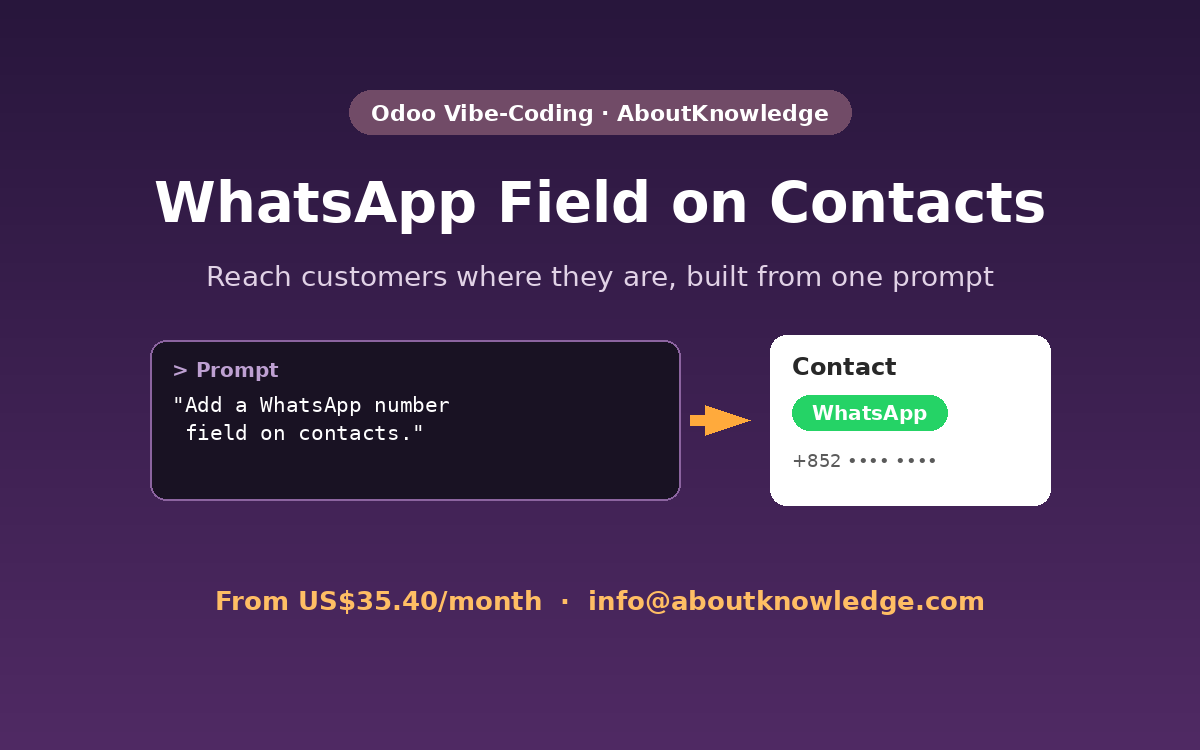
With the Odoo Vibe-Coding Platform, we added a WhatsApp field to Odoo contacts just by asking for it.
The request
In short: add a WhatsApp number field to every contact in Odoo, so the team can store and find it in one place.
What the AI agent built
- WhatsApp field on the contact form, next to the existing contact details.
- Available for every contact, both companies and individuals.
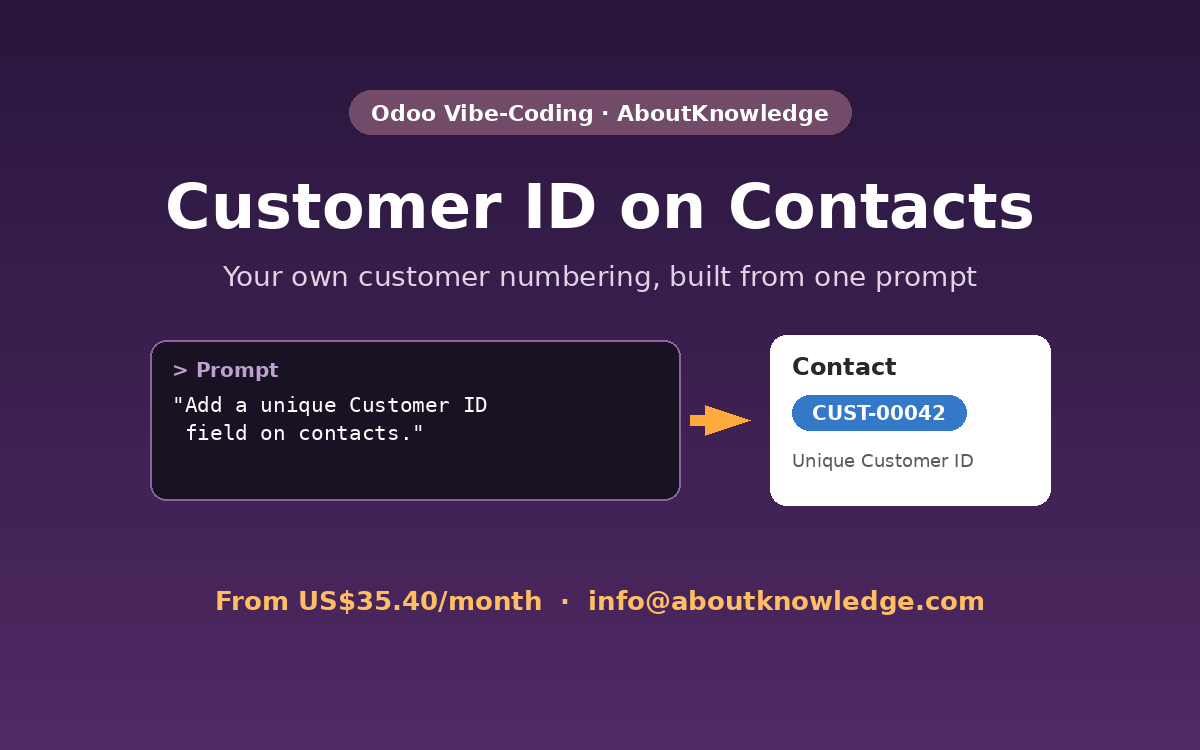
- Clean module structure: The field was added to the same custom module as the Customer ID, keeping your customisations together.
Tested before hand-over
The agent checked that the contact form still loads correctly with the new field, created a test record to confirm the value saves, and then removed its test data.
Watch the demo
The video is sped up while the agent builds the change. The final part shows the result in Odoo at normal speed.
Take it further
From here you could ask for a one-click “Chat on WhatsApp” link, a WhatsApp column in the contact list, or a filter for contacts without a WhatsApp number. Each is one more prompt.
See more examples
This is one of six features we built with one prompt each. See all Odoo Vibe-Coding demos.
Try it on your Odoo
Plans start from US$35.40/month, with 10% off for the first 6 months. Our vibe-coding platform can also be adapted to other open-source applications or any system running on a Linux server.
Contact us: info@aboutknowledge.com