
Many businesses have their own customer numbering, from an old system, an accounting package, or simply the way the team has always worked. Odoo does not have a dedicated field for it out of the box, so the number ends up in notes or in a spreadsheet.
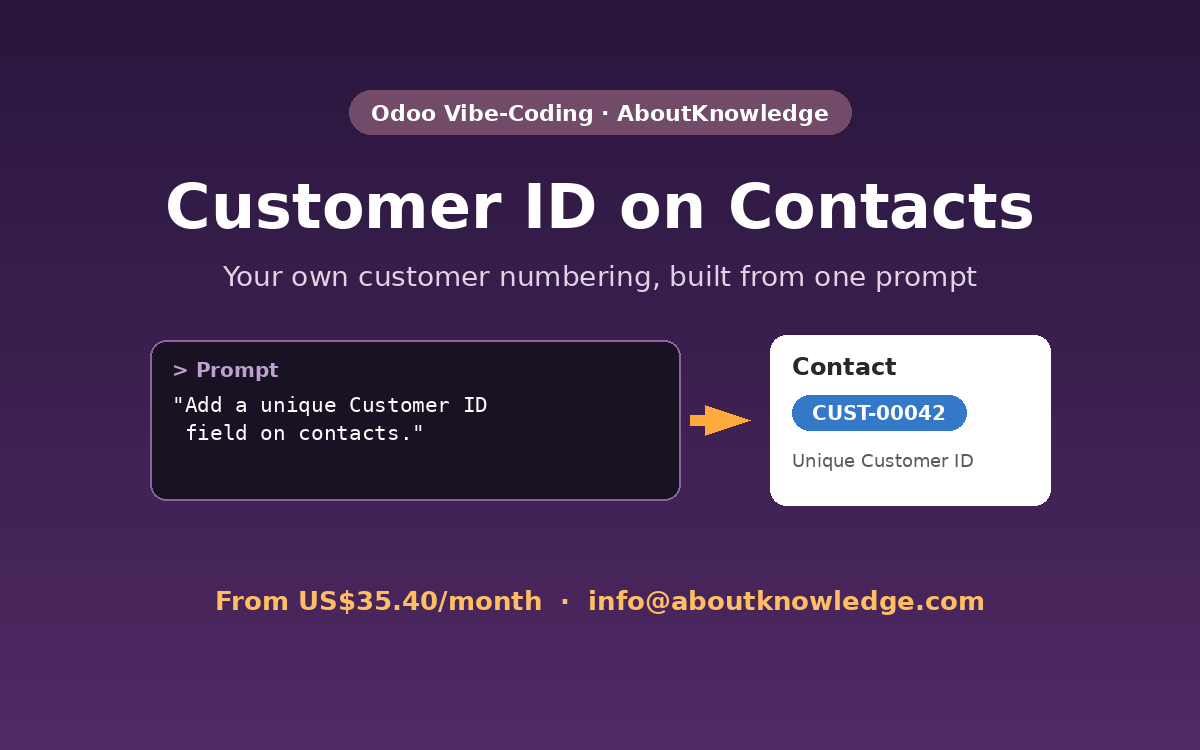
With the Odoo Vibe-Coding Platform, we added a proper Customer ID field to Odoo contacts with one simple request. This was the very first feature in our demo series.
The request
In short: add a Customer ID field to contacts in Odoo, so every customer can have their own reference number.
What the AI agent built
- Customer ID field on the contact form.
- Stored in Odoo, so it can be used in searches, filters, and reports.
- A dedicated custom module, which later demos built on for the WhatsApp field and the invoice Project Code.
Asking for a fix is part of the process
On the first attempt, the agent reported the work as done, but the form needed a correction. We simply replied “please fix”, and the agent found the issue and corrected it. Like working with a developer, you review the result and ask for changes in plain English.
Watch the demo
The video is sped up while the agent builds the change. The final part shows the result in Odoo at normal speed.
Take it further
You could ask for the Customer ID to be generated automatically, kept unique, shown in the contact list, or printed on quotations and invoices. Each one is just another prompt.
See more examples
This is one of six features we built with one prompt each. See all Odoo Vibe-Coding demos.
Try it on your Odoo
Plans start from US$35.40/month, with 10% off for the first 6 months. Our vibe-coding platform can also be adapted to other open-source applications or any system running on a Linux server.
Contact us: info@aboutknowledge.com