
Customers often ask for one extra detail on their invoices: a project code, a PO reference, a cost centre. Adding a field in Odoo is one job. Getting it printed on the invoice PDF is another, because it means editing the report template.
With the Odoo Vibe-Coding Platform, we did both with a single request.
The request
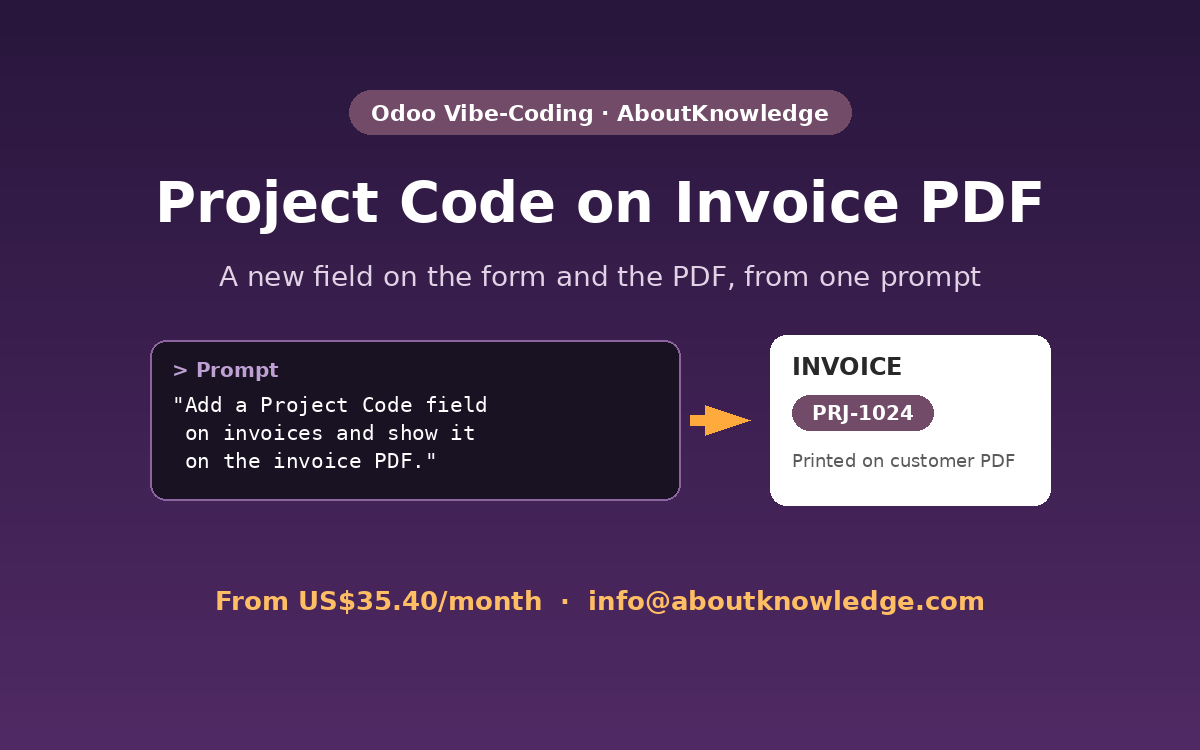
In short: add a Project Code field to customer invoices, and print it on the invoice PDF that goes to the customer.
What the AI agent built
- Project Code field on the invoice form, placed under Other Info in the Invoice section.
- Printed on the PDF: The code (for example, PRJ-1024) appears on the customer’s invoice PDF.
- Fits your existing setup: The agent added it to the same module as earlier customisations, so everything stays organised.
Checked on the actual PDF
The agent did not stop at the form. It rendered the invoice PDF to confirm the Project Code really appears on the printed document before reporting that the work was done.
Watch the demo
The video is sped up while the agent builds the change. The final part shows the result in Odoo at normal speed.
Other report changes you can ask for
The same works for quotations, sales orders, delivery slips, and purchase orders. Add a reference, move a field, show a bank detail, or add a note in a different language. Just describe what you need on the document.
See more examples
This is one of six features we built with one prompt each. See all Odoo Vibe-Coding demos.
Try it on your Odoo
Plans start from US$35.40/month, with 10% off for the first 6 months. Our vibe-coding platform can also be adapted to other open-source applications or any system running on a Linux server.
Contact us: info@aboutknowledge.com