
Budibase is an open-source low-code platform for internal tools. Adding and updating records in a Budibase table is easy, but repetitive data entry still takes time.
With the AI vibe-coding agent, you just describe the change in plain English. The agent signs in to Budibase, makes the change and checks the result for you.
Watch the demo
The video is sped up while the agent works, but nothing else is edited.
The prompt
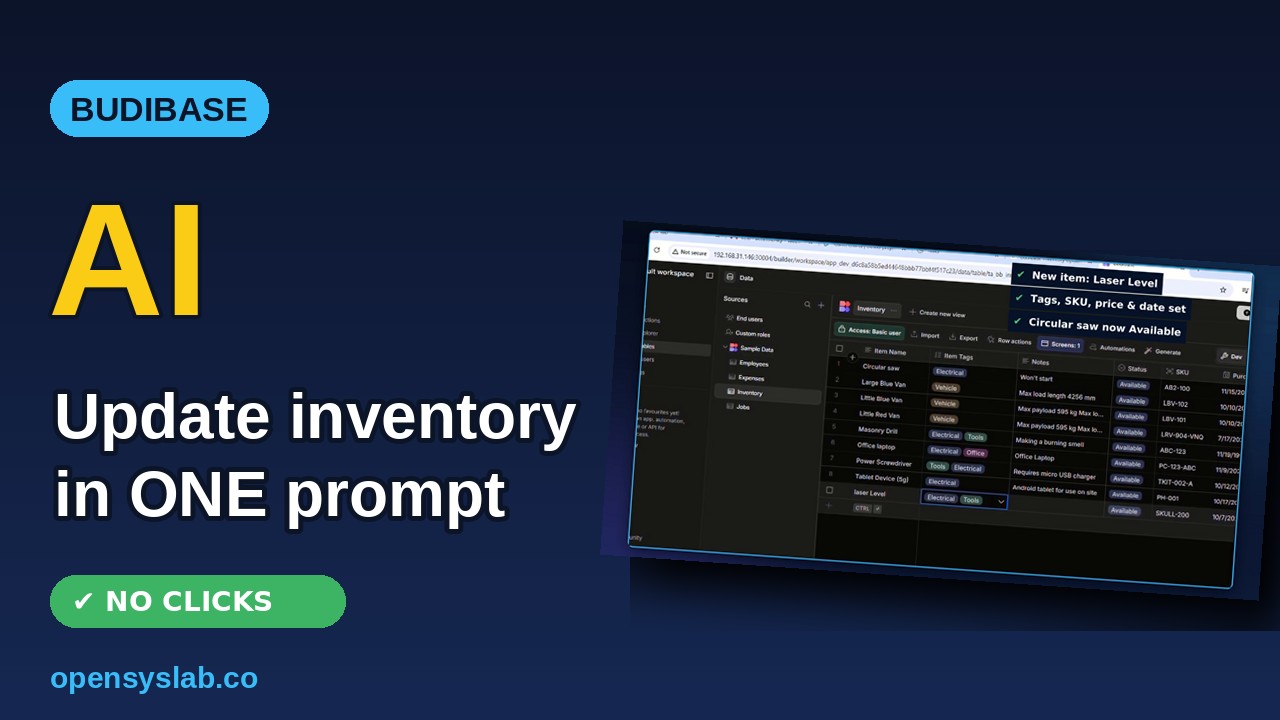
In Budibase, open the Inventory table and add a new item “Laser Level” with tags Tools and Electrical, status Available, SKU LL-200, purchase price 450 and purchase date 7 Oct 2026. Then change the status of “Circular saw” from Repair to Available.
What the agent did
- Signs in to Budibase with its saved login.
- Opens the Inventory table in the Inventory Tracker app.
- Adds the new “Laser Level” row with its tags, status, SKU, price and purchase date.
- Changes “Circular saw” from Repair to Available, then checks both changes against the Budibase data.
The result
The Inventory table now has the Laser Level item, and the Circular saw is available again.
What else you can ask
- Add, update or bulk-edit records in your Budibase tables
- Generate a new app screen from a table
- Set up a simple automation
Get your own Budibase with the AI agent
Get a ready-to-use Budibase server with the AI vibe-coding agent built in. Choose your server size, and it is set up for you.