
Apache Superset is one of the most popular open-source BI tools. Building and tweaking dashboards is powerful, but every small change still means opening the chart editor, finding the right setting and saving it again.
With the AI vibe-coding agent, you just describe the change in plain English. The agent signs in to Apache Superset, makes the change and checks the result for you.
Watch the demo
The video is sped up while the agent works, but nothing else is edited.
The prompt
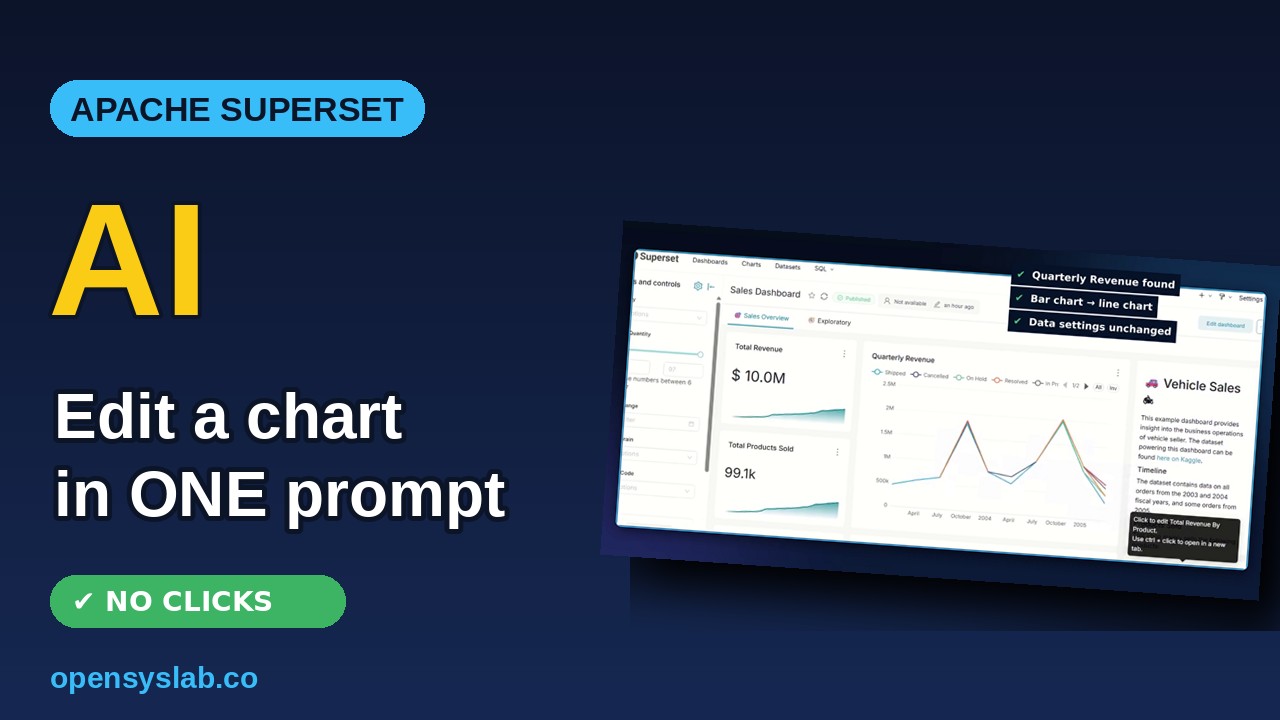
In Superset, open the “Sales Dashboard” and change the “Quarterly Revenue” chart from a bar chart to a line chart.
What the agent did
- Signs in to Superset using a login saved securely in its vault.
- Finds the Sales Dashboard and works out which saved chart is shown as “Quarterly Revenue” (the chart’s real name was different, and the agent figured that out on its own).
- Switches the chart type from bar to line through the Superset API, keeping every data setting the same.
- Verifies the change in the dashboard.
The result
The Quarterly Revenue chart on the Sales Dashboard is now a line chart. Same data, same filters, no manual clicks.
What else you can ask
- Turn a table into a chart, or a chart into a different chart type
- Add a filter or a new metric to an existing chart
- Build a first draft of a new dashboard from your data
Get your own Apache Superset with the AI agent
Get a ready-to-use Apache Superset server with the AI vibe-coding agent built in. Choose your server size, and it is set up for you.