
Purchasing is where money leaks
Most companies watch sales carefully and purchasing loosely.
That is backwards. Uncontrolled buying costs real money — duplicate orders, prices nobody checked, deliveries that arrived short and were paid in full anyway, and bills approved because nobody could remember what was agreed.
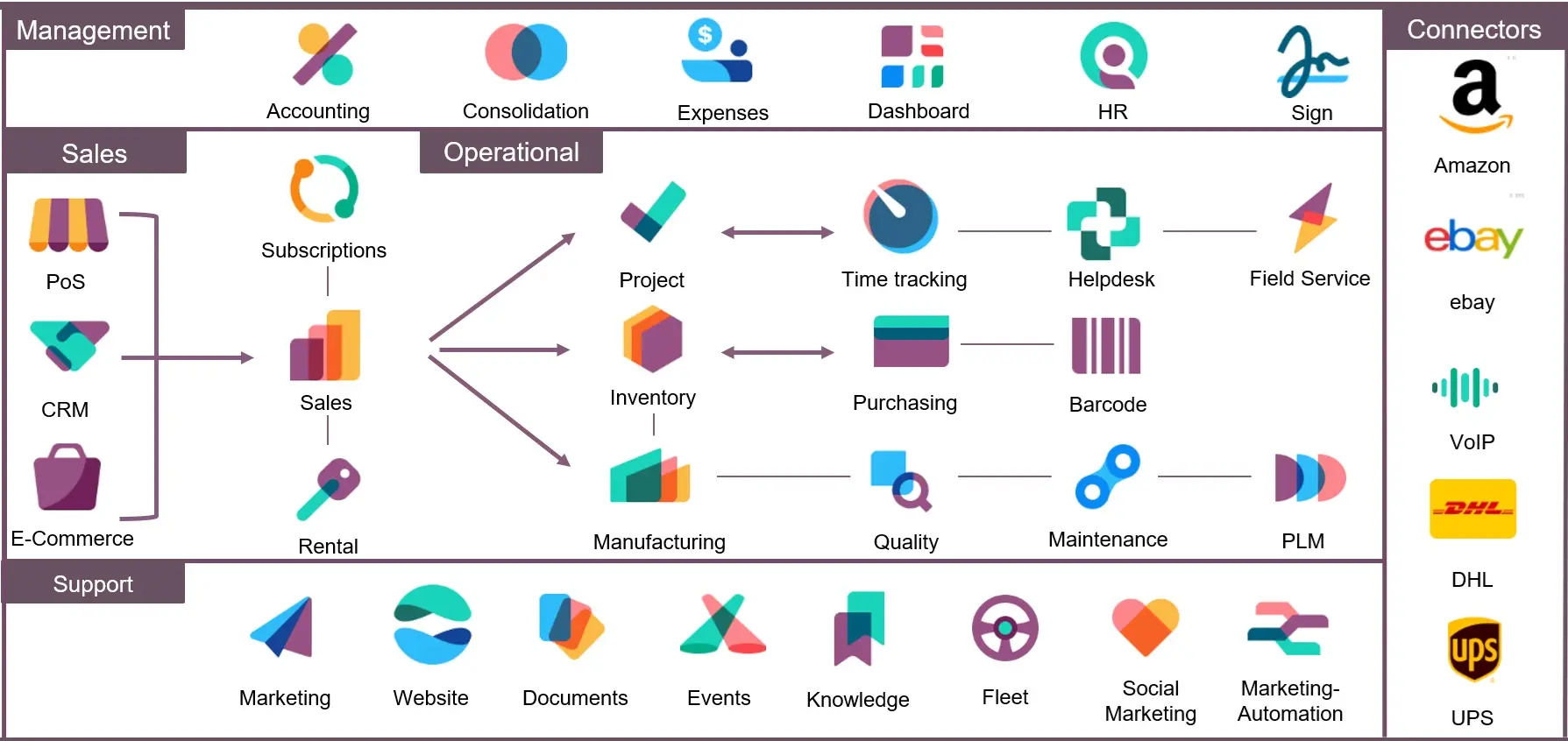
The Purchase module exists to close those gaps. It follows the same shape as Sales, but in the other direction.
The basic flow
Request for Quotation → Purchase Order → Receipt → Vendor Bill → Payment
Five steps. Each one creates the next.
Request for Quotation
An RFQ is a draft purchase order. You are asking a vendor for a price, not committing to buy.
You can email it directly from Odoo. If you are comparing vendors, create one RFQ per vendor for the same requirement and compare what comes back.
Purchase Order
Confirm the RFQ and it becomes a purchase order. Now you are committed.
Odoo immediately creates an incoming receipt for the warehouse, so the team knows what is coming and when.
Receipt
Goods arrive. The warehouse validates the receipt with the quantities actually received.
At that moment stock goes up. If you use automatic valuation, the accounting entry posts at the same instant — stock value in, and a matching entry to a holding account until the bill arrives.
Short deliveries: enter what actually came. Odoo asks whether to keep a backorder open for the rest. Keep it if the vendor will still send the balance.
Vendor Bill
The vendor’s invoice arrives. From the purchase order, click Create Bill.
The bill is drafted from the received quantities. Your accounts team compares it against what the vendor actually charged.
This is the three-way match — order, receipt, bill. It is the single most useful control in purchasing, and it is the reason to run purchasing in the same system as stock. When the three disagree, you catch it before paying.
FIGURE 1: THE PURCHASE CYCLE
RFQ
- Asking for a price
Purchase Order
- Committed
Receipt
- Count what arrived
Vendor Bill
- Compare against receipt
Payment
- Payable cleared
Payment
Register the payment against the bill. The payable clears.
Vendor pricing
Odoo stores prices per vendor per product, on the product’s Purchase tab.
Each vendor line can hold a price, a minimum quantity, a currency, a lead time and a vendor product code. When you create a purchase order, Odoo fills in the price automatically.
Two things worth setting up:
Vendor lead time. How many days from order to delivery. Odoo uses this to schedule and to warn when an order is late.
Vendor product codes. The vendor’s own reference for the item, printed on the purchase order. It removes a whole category of “you sent the wrong thing” arguments.
Automatic reordering
This is where the module starts saving real time.
A reordering rule sits on a product and says: keep at least this much in stock, and when it falls below, order up to this level.
Set a minimum, a maximum and a preferred vendor. Odoo then creates the RFQ automatically when stock drops.
Get the numbers right. A minimum that ignores lead time will leave you short. A maximum set too high ties up cash in stock you do not need for months. Review these figures a few times a year — demand changes and the rules do not update themselves.
FIGURE 2: WHERE PURCHASING CONTROL SUCCEEDS OR FAILS
Working control
- Receipts counted before validating
- Bills compared against receipts
- Reordering rules reviewed yearly
- All buying goes through a PO
Control in name only
- Full quantity validated without counting
- Bills posted without checking
- Rules written for last year’s demand
- Goods ordered by phone with no PO
Approvals
Standard Odoo has a simple control: purchase orders above a set amount need approval from a purchase manager.
Turn it on in Settings and set the threshold.
If your business needs more — different approvers by category, by department, or by which company in a group is buying — that is a custom module. It is a common request and a well-understood one.
Purchase agreements
For repeat buying, Odoo supports two kinds of agreement.
Blanket orders. You agree a price and quantity with a vendor over a period, then draw down against it with smaller orders. Useful when you buy the same thing every month.
Calls for tender. You put a requirement to several vendors, collect their responses and compare in one place.
Both need to be enabled in Settings.
Reports worth watching
Purchase analysis. Spend by vendor, product and period. The first place to look when someone asks where the money went.
Vendor lead times. Promised versus actual. Vendors who are always late are a stock problem you can measure rather than argue about.
Received versus billed. Anything received but not billed is a liability you have not recorded. Anything billed but not received is a question worth asking.
Price variance. The same item bought at different prices from the same vendor across the year. Usually worth a conversation.
What usually goes wrong
Nobody validates receipts properly. If the warehouse validates the full ordered quantity without counting, the three-way match becomes theatre. Everything downstream depends on this one habit.
Reordering rules set once and forgotten. Written for last year’s demand, quietly ordering the wrong quantities all year.
Bills created without checking. Clicking Create Bill and posting without comparing against what the vendor actually charged. The control exists; it only works if someone uses it.
Purchasing outside the system. Someone orders by phone or email and the goods arrive with no purchase order. This is the hardest one to fix, because it is a habit rather than a setting.
Getting started
- Set up vendors with their payment terms and currencies
- Add vendor pricing and lead times on the products you buy regularly
- Set the approval threshold if you need one
- Configure your receipt steps — one-step for most, two-step if you inspect before putting away
- Add reordering rules only for your fast-moving items to begin with
Then run a full cycle in a test database: RFQ, confirm, receive short, create the bill, and check the accounting entries. Receiving short deliberately is the best single test, because it exercises the part most likely to break.
Want tighter control over what your business buys?
Get in touch. We will look at where the gaps actually are — usually in receiving, not in the software — before configuring anything.
Related reading: Odoo module – Purchase Payment Status · Odoo Sales Module Explained · Add Purchase Order Approval to Odoo with One Prompt