Published in:
Software Development
Odoo module – ABK Kimi AI Chatbot

Overview
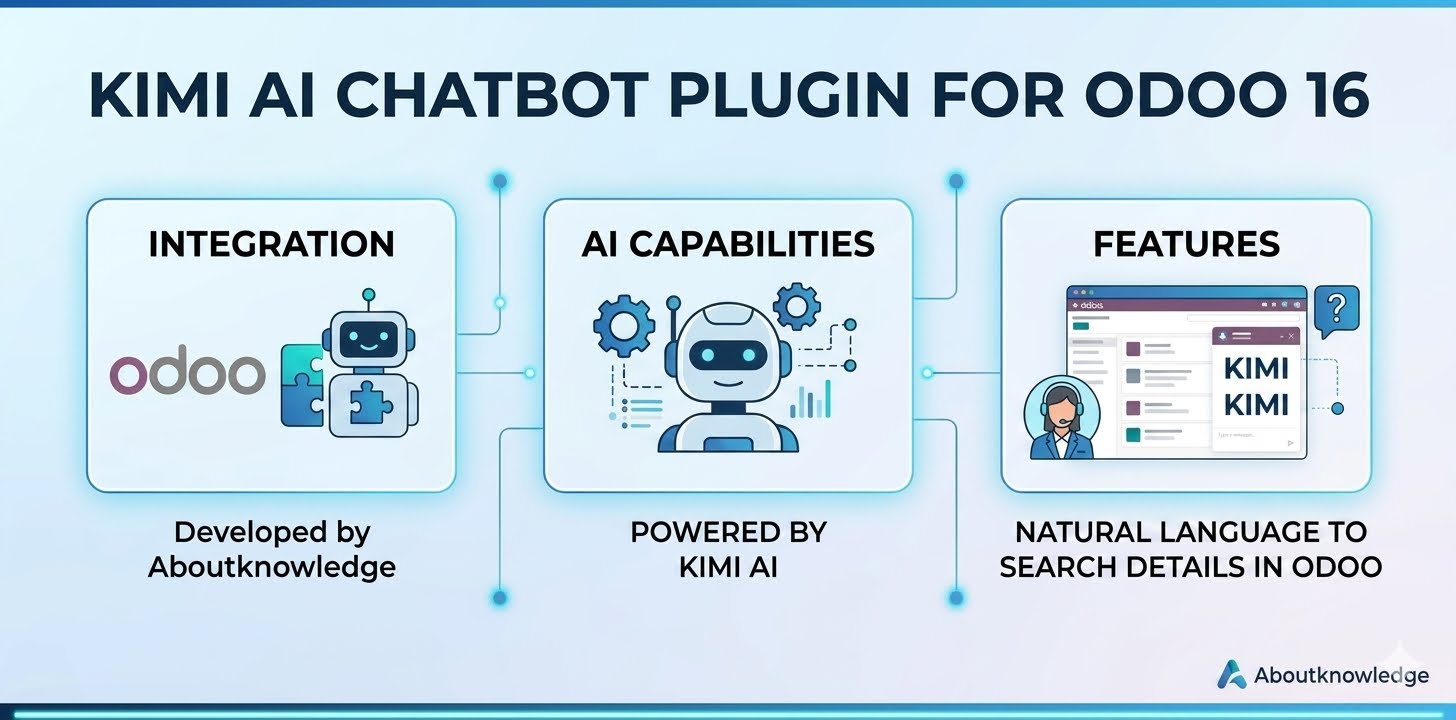
ABK Kimi AI Chatbot adds an AI assistant directly into the Odoo backend. Users can ask questions in plain language and get answers based on live data from any Odoo module they have access to.
Key Features
- Natural language queries â no need to learn Odoo filters
- Secure access control â respects every user’s read permissions
- Model discovery â AI automatically discovers Odoo models and field names
- Conversation history â chats are saved per user
- Flexible AI backend â uses Kimi / Moonshot OpenAI-compatible API
Example Questions
- Show me all active subscriptions
- How many sales orders are in draft?
- List partners created this month
- What is the total of unpaid invoices?
- Which subscriptions expire this month?
Supported Modules
The chatbot can query any model the user has read access to, including: Sales, CRM, Invoicing, Purchase, Inventory, Project, HR, Subscriptions, and any custom module.
Configuration
Go to Settings â General Settings â Kimi AI Chatbot and enter:
- API Key from platform.kimi.ai
- API Base URL (default: https://api.moonshot.ai/v1)
- Model (default: kimi-k2.6)
- System prompt
Security
- Only authenticated internal users can use the chatbot
- All searches run with the current user’s Odoo access rights
- The AI is read-only and cannot create, update, or delete records
Support
For support, please contact Aboutknowledge (Hong Kong) Limited.