
The problem
Issues get reported informally.
Somebody sends a WhatsApp message — sometimes with a photo, sometimes a screenshot, sometimes a voice note. “The printer on floor 2 is showing an error again”, or a picture of a broken part with no text at all.
None of that is a ticket. It has no title, no priority, no category, no reporter field.
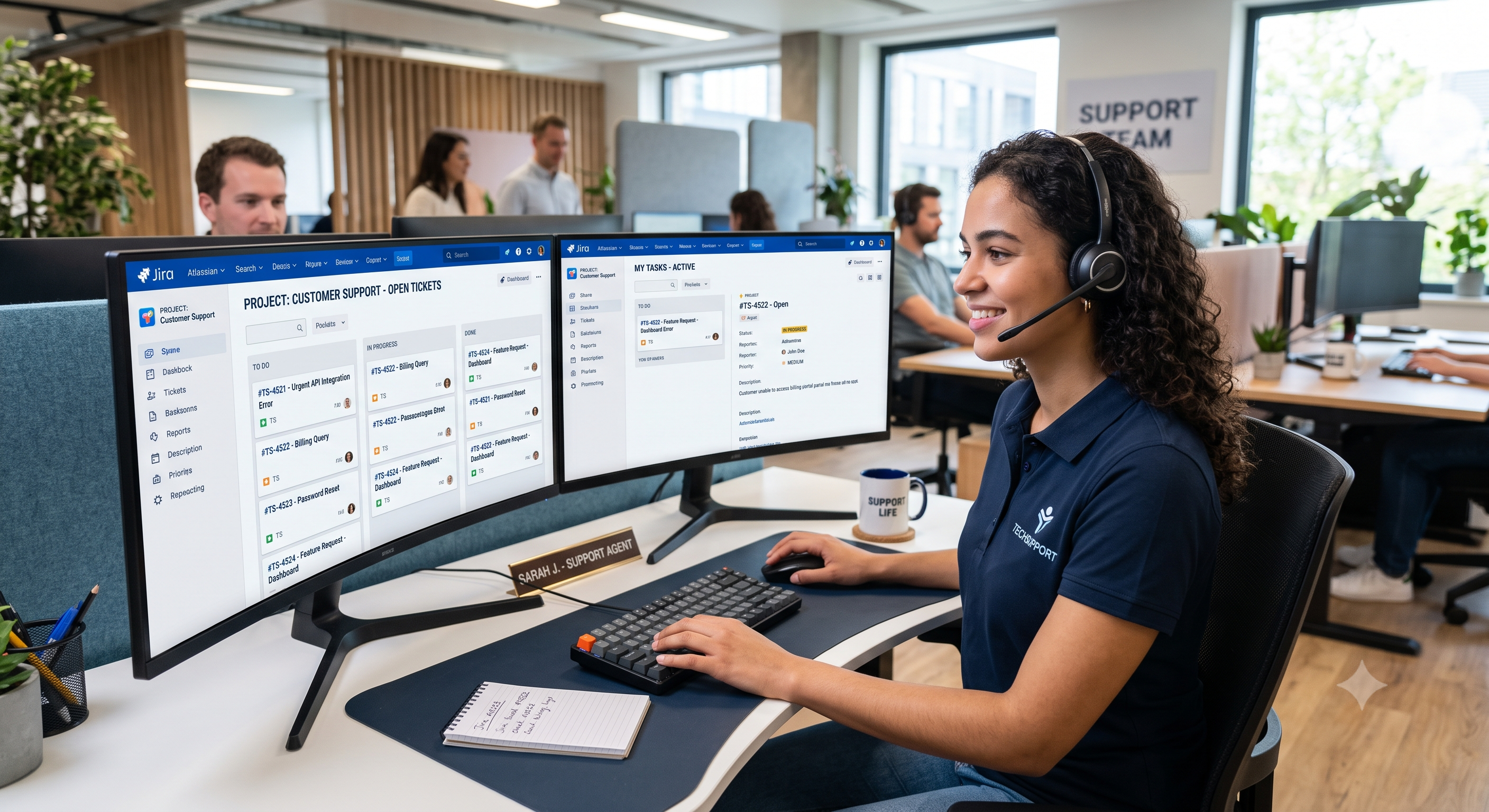
So somebody reads it and types it into Jira. That is the work being removed here.
Why this needs a model
The input is free text and media, written by whoever noticed the problem.
No rule handles it. Keyword matching breaks on how people actually write — “this is unacceptable” and “I’m really not happy” mean the same and share no words.
A model can read the message and produce structure: a title, a description, a category, a suggested priority.
That is the justified use. Everything else in this workflow is ordinary logic.
FIGURE 1: THE CHAIN
Message arrives
- Text, image, or voice
Media handled
- Downloaded and attached
AI extracts
- Title, category, priority
Ticket created
- And a confirmation sent back
Handling media
Messages arrive with attachments, and this part is easy to get wrong.
Three things to handle:
Download it. The message references the media; you have to fetch it.
Attach it to the ticket. A photo of a broken part is often the most useful thing in the report.
Handle the case where it is the only content. Somebody sends a photo with no text at all. What then?
Two options: ask them to describe the problem, or create the ticket with the image and a note that no description was given.
Decide in advance. This case is common and it should not be handled by whatever the workflow happens to do.
What the model should produce
Ask for specific fields, not a summary.
A title. Short and descriptive. This is what appears in a ticket list.
A description. The problem, in structured prose. Keep the original message too.
A category. From your existing list, not one it invented.
A suggested priority. As a suggestion.
Two rules that make this reliable:
Give it your actual categories. A model choosing from a list you supplied produces usable values. A model inventing categories produces a mess in your Jira configuration.
Keep the original message on the ticket. Always. The extraction can be wrong, and whoever picks up the ticket needs to see what was actually said.
Priority is a suggestion
Worth being firm about.
A model can suggest a priority. It should not set one that skips a queue.
Why: priority determines what gets attention. A model reading urgency from tone will overrate a politely worded serious problem and underrate an angry trivial one.
A workable approach: the model suggests, the ticket is created at a default priority with the suggestion in a field, and a person adjusts during triage.
FIGURE 2: WHAT THE MODEL DECIDES AND WHAT IT DOES NOT
The model produces
- A title from the message
- A structured description
- A category from your list
- A suggested priority
A person decides
- The actual priority
- Whether it is a duplicate
- Who it is assigned to
- Whether it is a ticket at all
Matching the reporter
Who sent this, and are they in your system?
Match on phone number — you have it.
Which means consistent formatting, as in every WhatsApp integration. Country code, no spaces.
Decide what happens for an unknown sender:
Create a contact? Route to a general queue? Reject with a message explaining who can report issues?
Decide before go-live, not when the first one arrives.
Duplicates
The same problem gets reported by three people.
Two approaches:
Check for a recent similar ticket before creating. Harder than it sounds — “printer broken” and “can’t print” are the same issue and share no words.
Create them all and let triage merge them. Simpler, and it means somebody sees every report.
The second is usually more honest. Automatic duplicate detection on free text is unreliable, and a missed report is worse than a merged one.
The confirmation reply
Send one. It costs nothing and it prevents two problems.
What it should say:
The ticket reference.
What you understood the problem to be. This is the important part — it gives the reporter a chance to correct a misreading immediately.
What happens next.
Because they messaged you, a service window is open — you can reply freely without an approved template.
FIGURE 3: FOUR THINGS THAT MAKE THIS WORK
Keep the original message
- Extraction can be wrong. The ticket needs what was actually said.
Categories from your list
- A model inventing categories makes a mess of your configuration.
Priority as a suggestion
- A person decides what skips the queue.
Confirm what you understood
- It lets the reporter correct a misreading straight away.
Where this fits
Good fit:
Internal issue reporting. Staff reporting problems from where they are.
Field reports. Technicians on site with a phone.
Customer-reported faults, where the customer already messages you.
Poor fit:
Low volume. Under a handful a day, a person reading them is fine.
Complex intake. If a report needs ten structured fields, a form is better than a message.
Anything safety-critical. Do not put a model between a person and an emergency.
Failure handling
Four things:
If the model fails, still create a ticket. With the raw message and a flag. Never lose a report because an extraction step failed.
If media fails to download, note it on the ticket rather than silently dropping it.
If Jira is unreachable, retry and then alert. The message must not vanish.
Log the original, the extraction and the created ticket. When a ticket comes out wrong, you need all three to see what happened.
The principle throughout: a failed step should degrade the ticket, never lose the report.
The short version
A model reads an informal message and produces a structured ticket — title, description, category, suggested priority.
Justified because the input is free text, which no rule handles.
Keep the original message on the ticket. Give the model your real categories. Treat priority as a suggestion a person confirms.
And make sure a failure degrades the ticket rather than losing the report.
Issues reported by message and typed into a tracker by hand?
Get in touch. We build message-to-ticket workflows that keep the original report and leave triage decisions with your team.
Related reading: WhatsApp Business Platform Explained · What Is WhatsApp Business Automation? · Two-Way Sync Between Jira and Monday.com